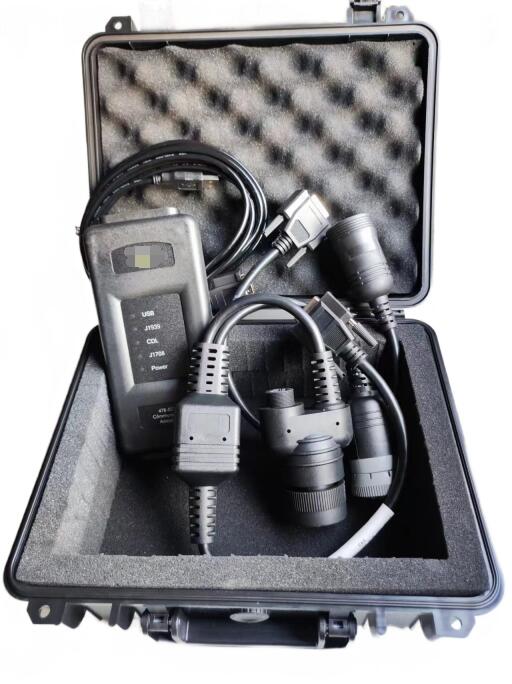
CAT Comm Adapter3 478-0235 Diagnostics for Caterpillar
1. Drain the fuel-water separator cup.
A. Turn the ignition key to the off position.
B. Drain the fuel-water separator cup. Refer to the Operation and Maintenance Manual, "Fuel System Coarse Filter/Fuel-Water Separator - Drain".
C. If necessary, charge the fuel system. Refer to the Operation and Maintenance Manual, "Fuel System - Charge".
D. Turn the ignition key to the on position. Do not start the engine. Wait 1 minute. Fuel-water separator result: The "Fuel Water Contamination" warning disappears within 1 minute.
12.2021 Caterpillar ECM ECU Flash Files Full Set Download
Proceed to Test Step 3.
2. Confirm that the fuel is free of water.
A. Run the engine for 5 minutes.
Fuel Water Contamination
Result: The "Fuel Water Contamination" warning does not reappear within 5 minutes.
Return the unit to operation.
Result: The "Water in Fuel" warning reappeared within 5 minutes.
Repair: The fuel supply is contaminated with water. Drain the fuel tank and then add clean fuel.
Repeat the steps in step 1.
If the problem persists, contact your Dealer Solution Network (DSN).
3. Water in Fuel Switch
A. Check the operation of the water in fuel switch. Refer to Troubleshooting and Repair, "Water in Fuel - Test".
Water in Fuel Switch
Result: The water in fuel switch circuit requires repair.
Repeat the steps in step 1.
Result: The water in fuel switch is working properly.
Repair: The fuel supply is contaminated with water. Drain the fuel tank and then add clean fuel.
Repeat the steps in step 1.
If the problem persists, contact your Dealer Solution Network (DSN).
Caterpillar ET 2026A & 2019C Electronic Technician Diagnostic Software Download and Installation


